

Module
Player Comparison
See the candidates you are torn between side by side on the most important criteria for the position.
What you do
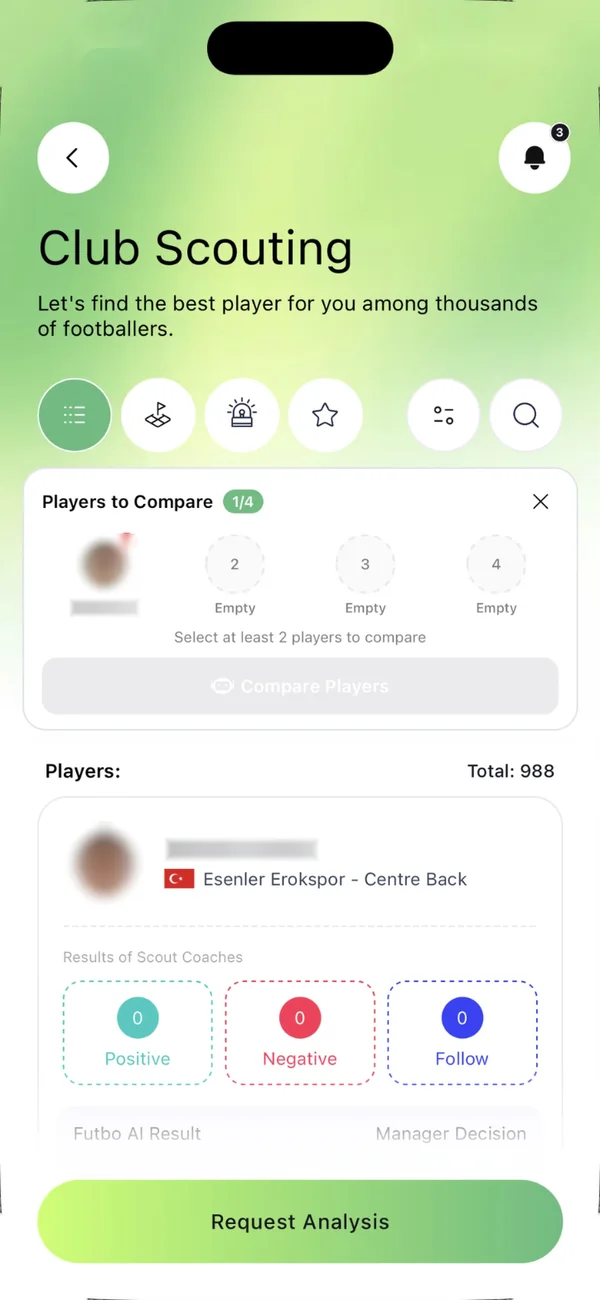
- In the Scouting Pool, add candidates to the "Players to compare" tray with the comparison icon on each card (at least 2, at most 4), or choose players directly.
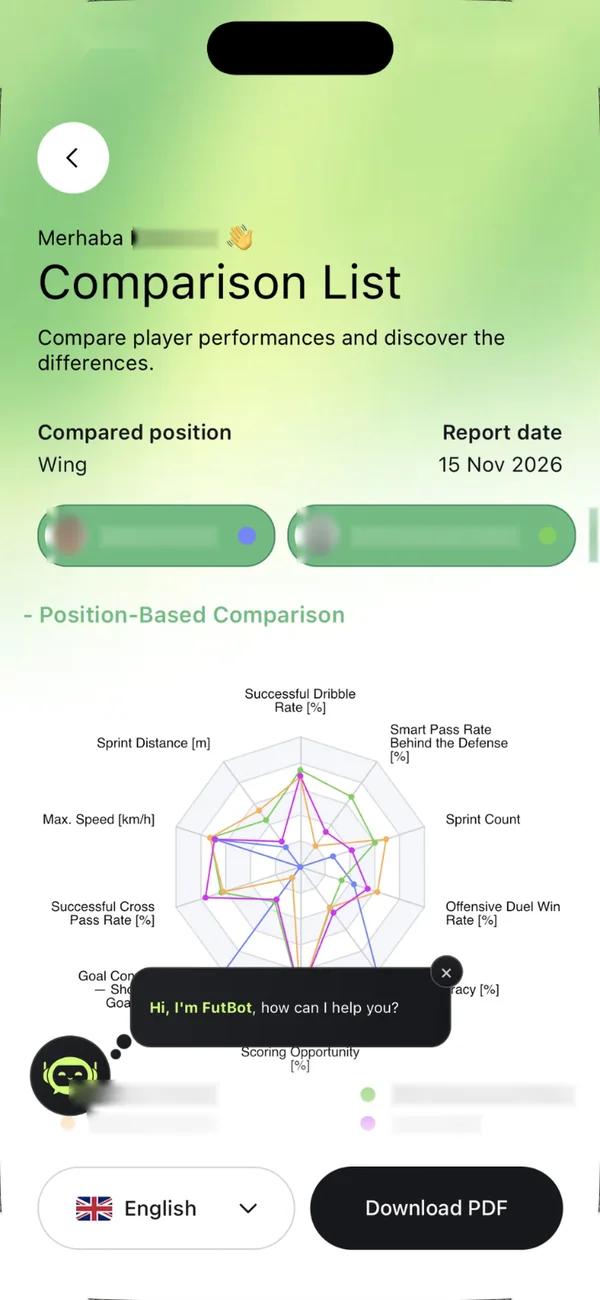
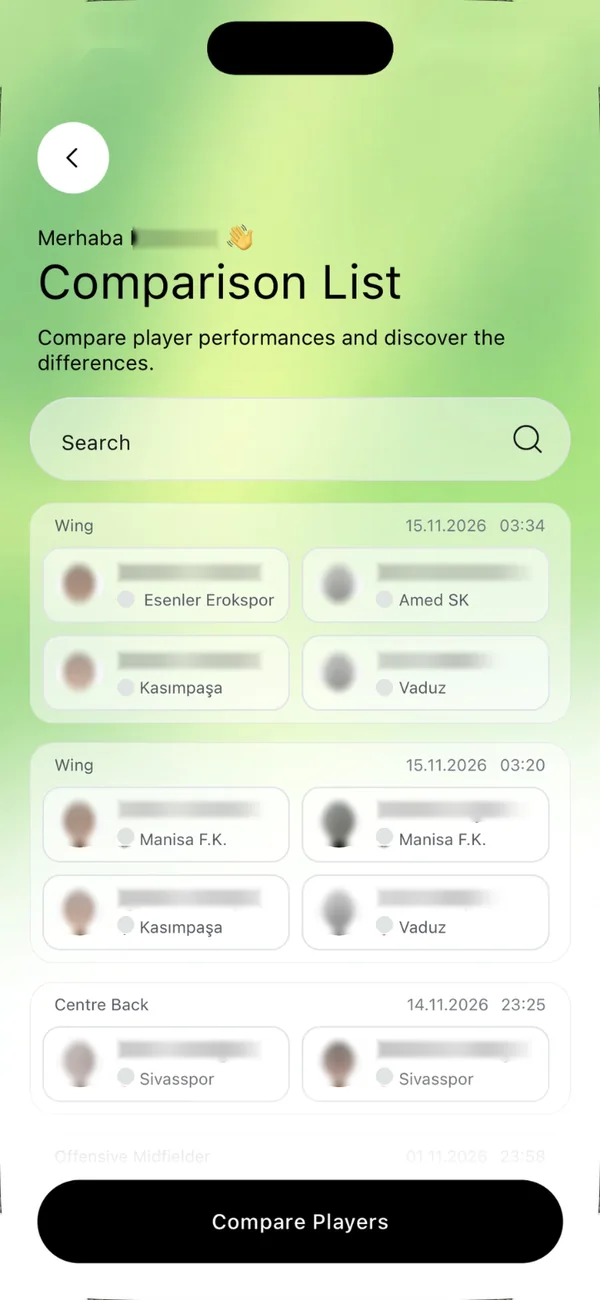
- Choose the position; the most important criteria for that position are used.
- Download the report as a PDF and ask Futbot questions from inside it.
What you see on screen
- A position-based radar chart and a table with each player's value on every criterion.
- Physical and statistical data with an AI review.
- Futbot's quick questions, such as "Who is ahead on overall performance?", "Who is the most consistent player?" and "Who would contribute most to my team?"
How it helps your club
In the final decision meeting everyone looks at the same table, and the choice rests on the differences in the criteria.
Start using your free demo account
Try Player Comparison with your own club's data.